
Screensavers
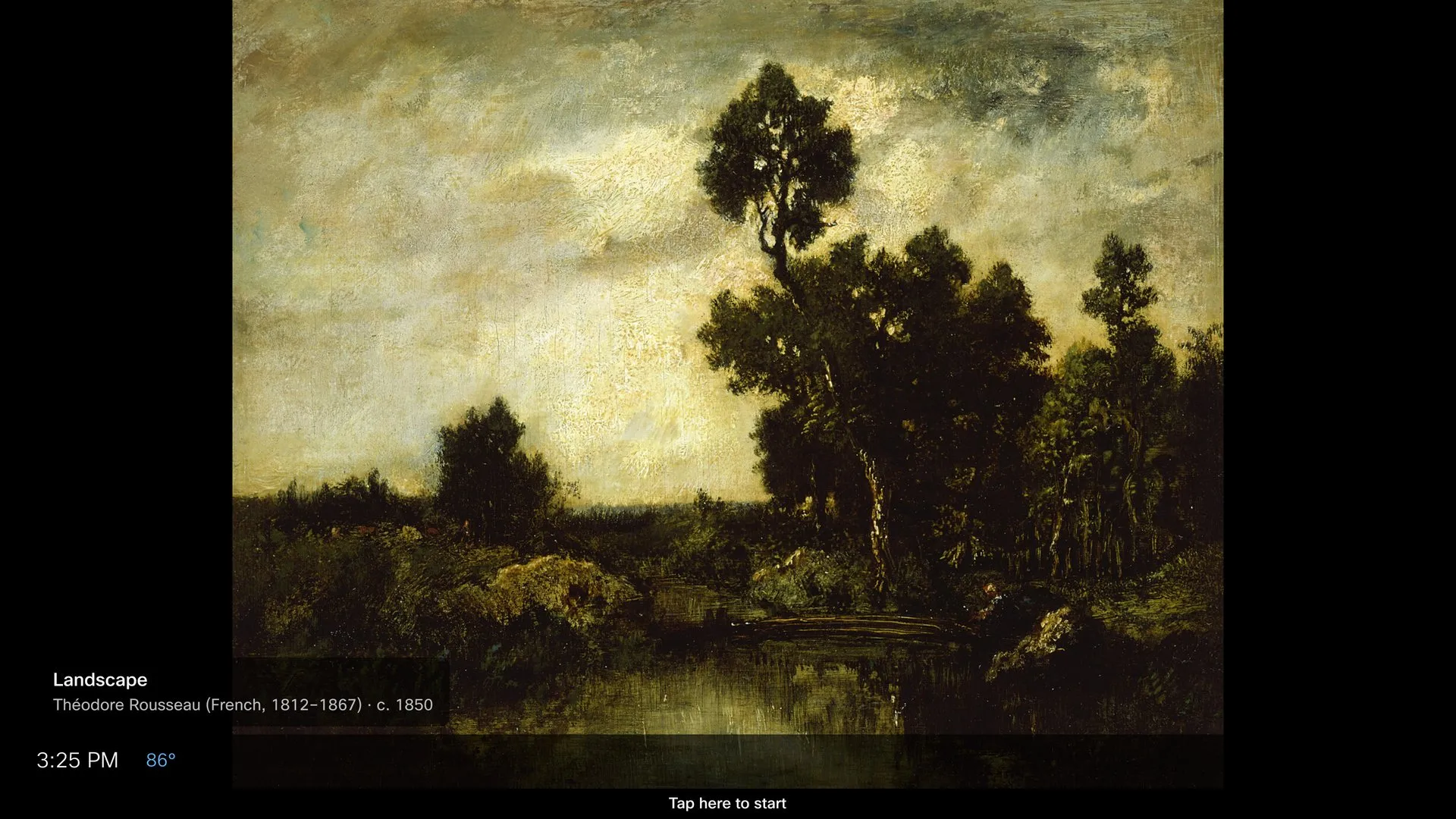
Settings → Screensaver picks what fills the screen when the dashboard rests. When it appears is decided separately, under Display modes.
Screensaver options
Section titled “Screensaver options”Slideshows
- Art — a rotating public-domain artwork from major museum collections.
- Landscapes — a curated folder of landscape photography.
- Your photos — either photo widget’s album (iCloud or Google Drive).
Clock faces
- Big clock — a giant time and date.
- World clocks — an analog dial for each of your World Clock cities, night-time cities dimmed.
- Clock + world times — a big clock with a row of city times beneath.
Every option has a full-screen Preview — tap anywhere to exit it.
There is no “Off” here: a board that should never show a screensaver sets Display mode to Always dashboard instead.
Three toggles
Section titled “Three toggles”| Toggle | What it does |
|---|---|
| Info strip | A slim band along the bottom: current weather and your next departures |
| Hour markers | Tick marks on the clock faces |
| Backdrop image | A curated photo behind a clock face — one per day |
Fallback behavior
Section titled “Fallback behavior”If a photo album becomes unreachable, the screensaver falls back to Art, and failing that to the Big clock. The screen never goes blank.
Clocks repaint once per minute, aligned to the minute boundary.